图像滤波是采用一定的滤波算法对图片进行处理。使用image对象的filter方法进行滤波,用参数指定不同的滤波算法。filter方法可用的算法包括高斯模糊、普通模糊、边缘检测、边缘增强、浮雕效果、提取轮廓、锐化、平滑、提取细节等。
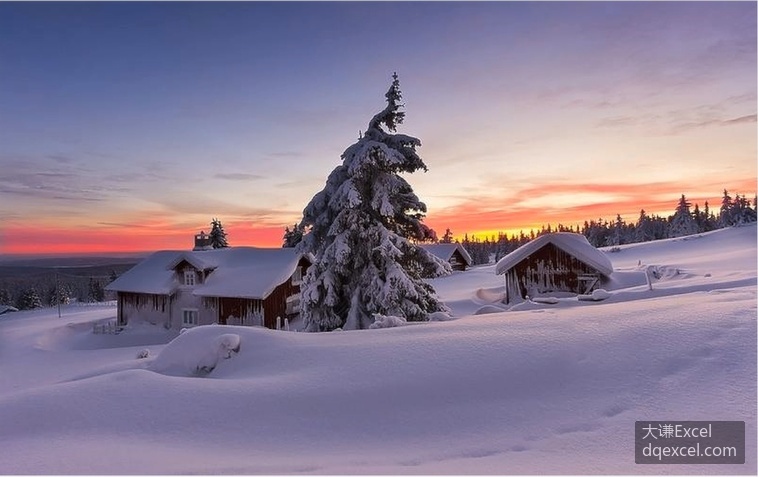
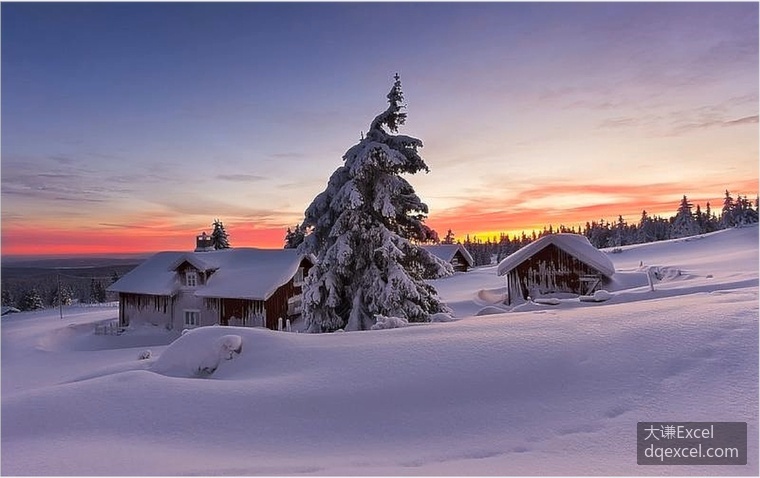
下面的代码打开一个图片。
code.python
>>> from PIL import Image,ImageFilter
>>> img=Image.open('D:\\pic.jpg')
>>> img.show()
如下图所示。
对原图像进行高斯模糊。
code.python
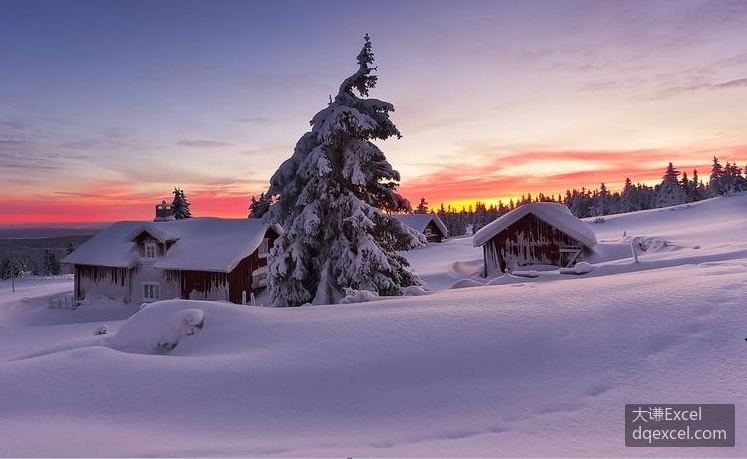
>>> img2=img.filter(ImageFilter.GaussianBlur)    #高斯模糊
>>> img2.show()
效果如下图所示。

对原图像进行普通模糊。
code.python
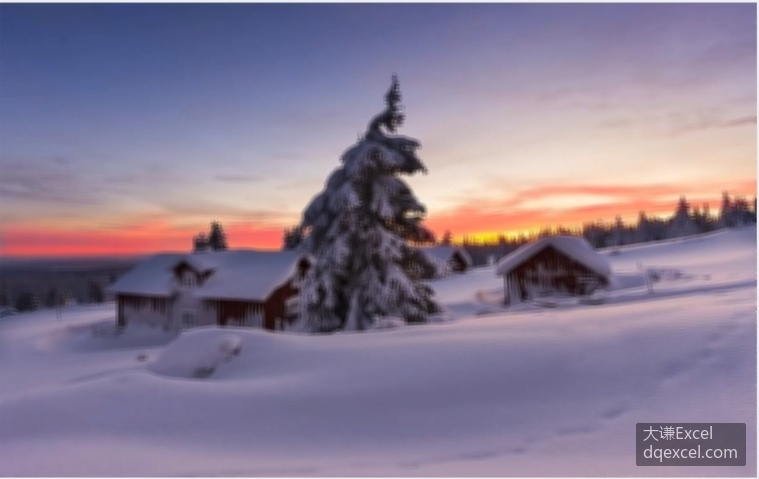
>>> img3=img.filter(ImageFilter.BLUR)    #普通模糊
>>> img3.show()
效果如下图所示。
对原图像进行边缘增强。
code.python
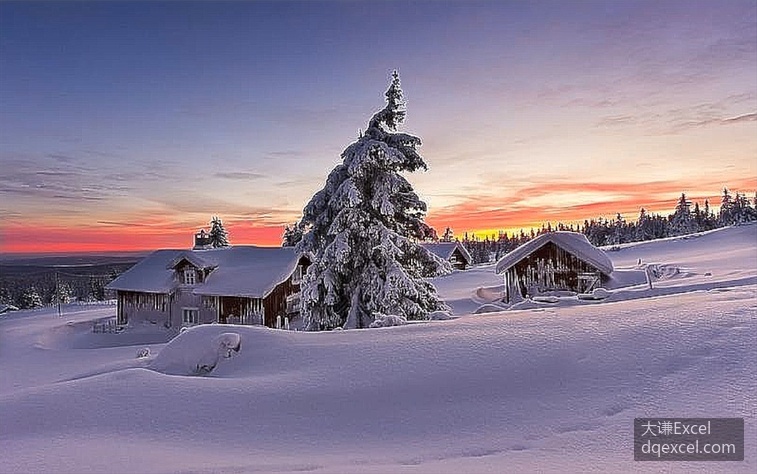
>>> img4=img.filter(ImageFilter.EDGE_ENHANCE)    #边缘增强
>>> img4.show()
效果如下图所示。
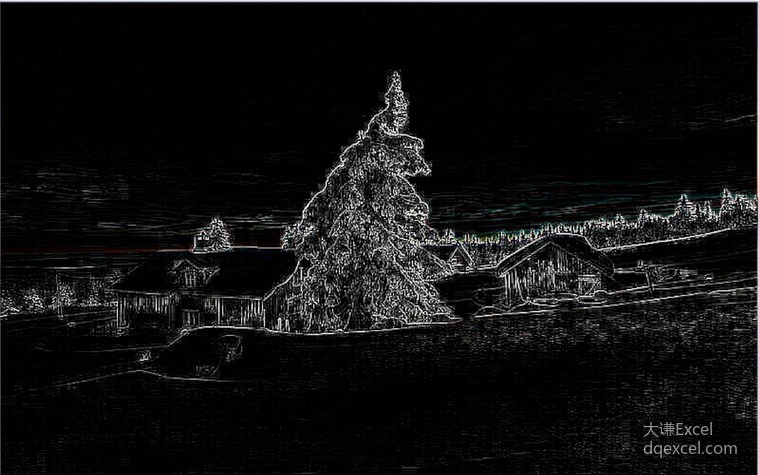
对原图像进行边缘检测。
code.python
>>> img5=img.filter(ImageFilter.FIND_EDGES)    #边缘检测
>>> img5.show()
效果如下图所示。
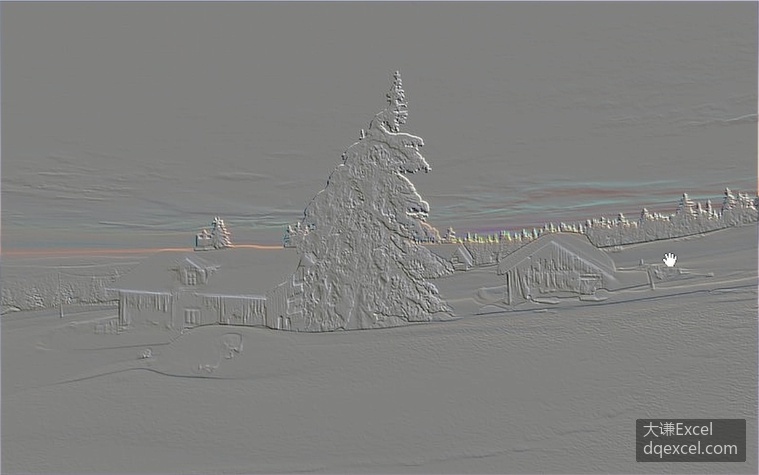
对原图像进行浮雕处理。
code.python
>>> img6=img.filter(ImageFilter.EMBOSS)    #浮雕
>>> img6.show()
效果如下图所示。
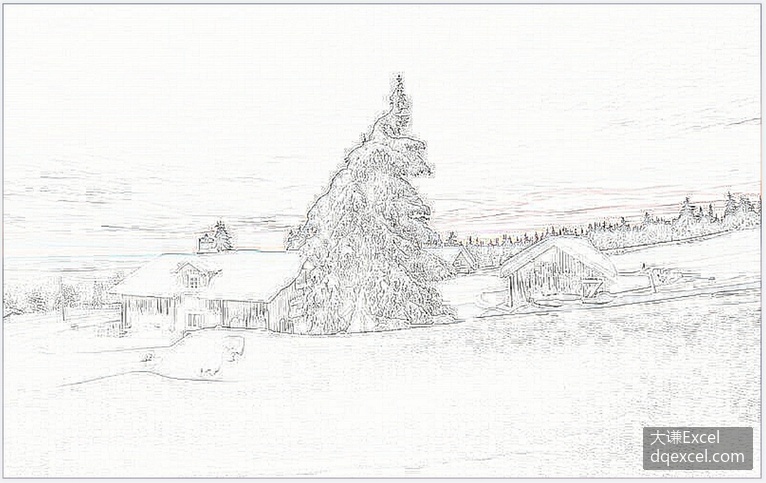
对原图像进行轮廓提取。
code.python
>>> img7=img.filter(ImageFilter.CONTOUR)    #轮廓
>>> img7.show()
效果如下图所示。
对原图像进行锐化处理。
code.python
>>> img8=img.filter(ImageFilter.SHARPEN)    #锐化
>>> img8.show()
效果如下图所示。
对原图像进行平滑处理。
code.python
>>> img9=img.filter(ImageFilter.SMOOTH)    #平滑
>>> img9.show()
效果如下图所示。
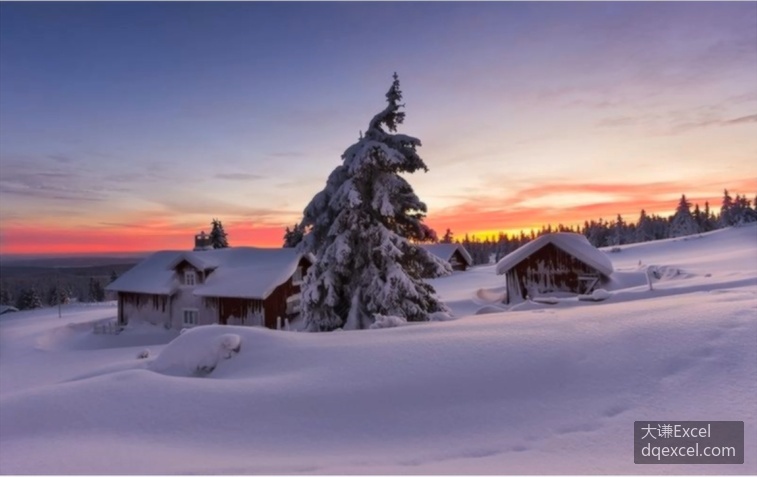
对原图像进行细节提取。
code.python
>>> img10=img.filter(ImageFilter.DETAIL)    #细节
>>> img10.show()
效果如下图所示。